

1
Create a database
- Dashboard
- CLI
-
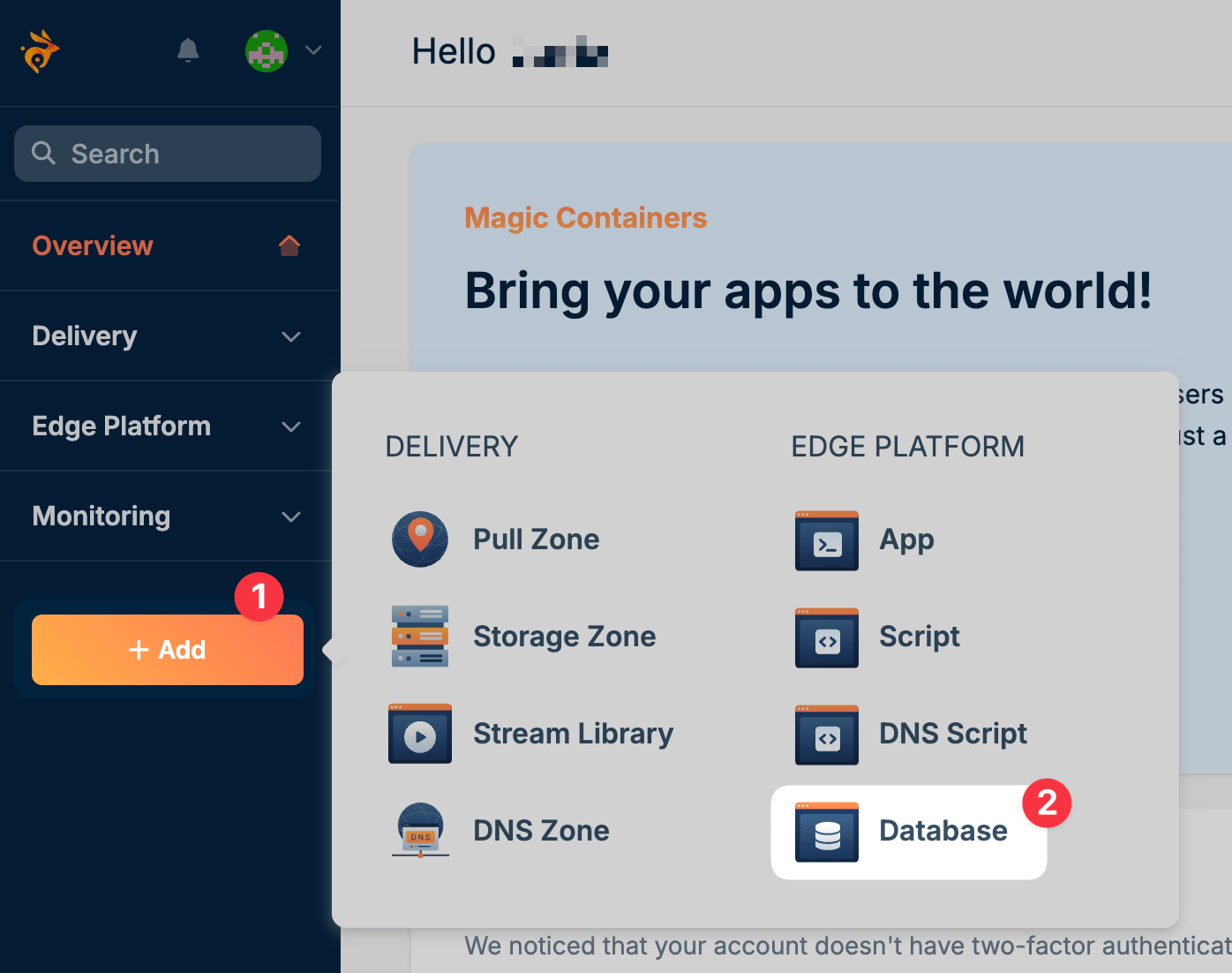
From your Bunny dashboard, click Add in the left-hand sidebar and select Database.
-
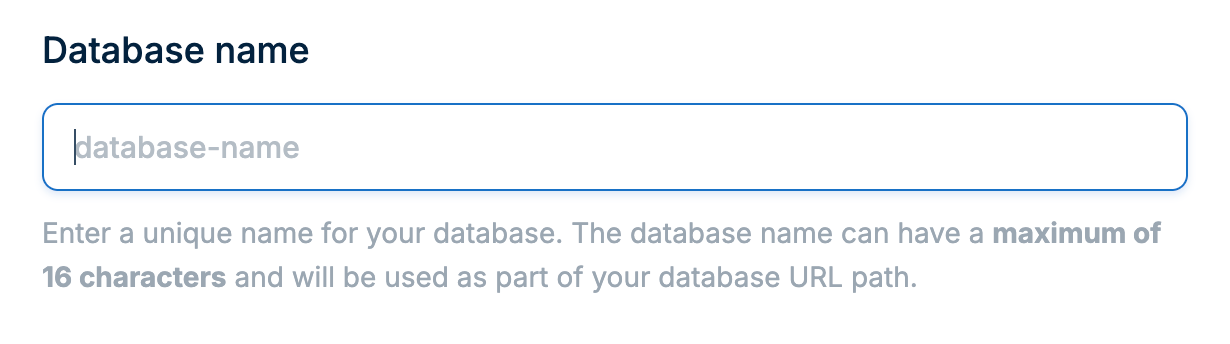
Enter a unique name for your database. This name will be used to identify your database in the dashboard and connection URLs.
-
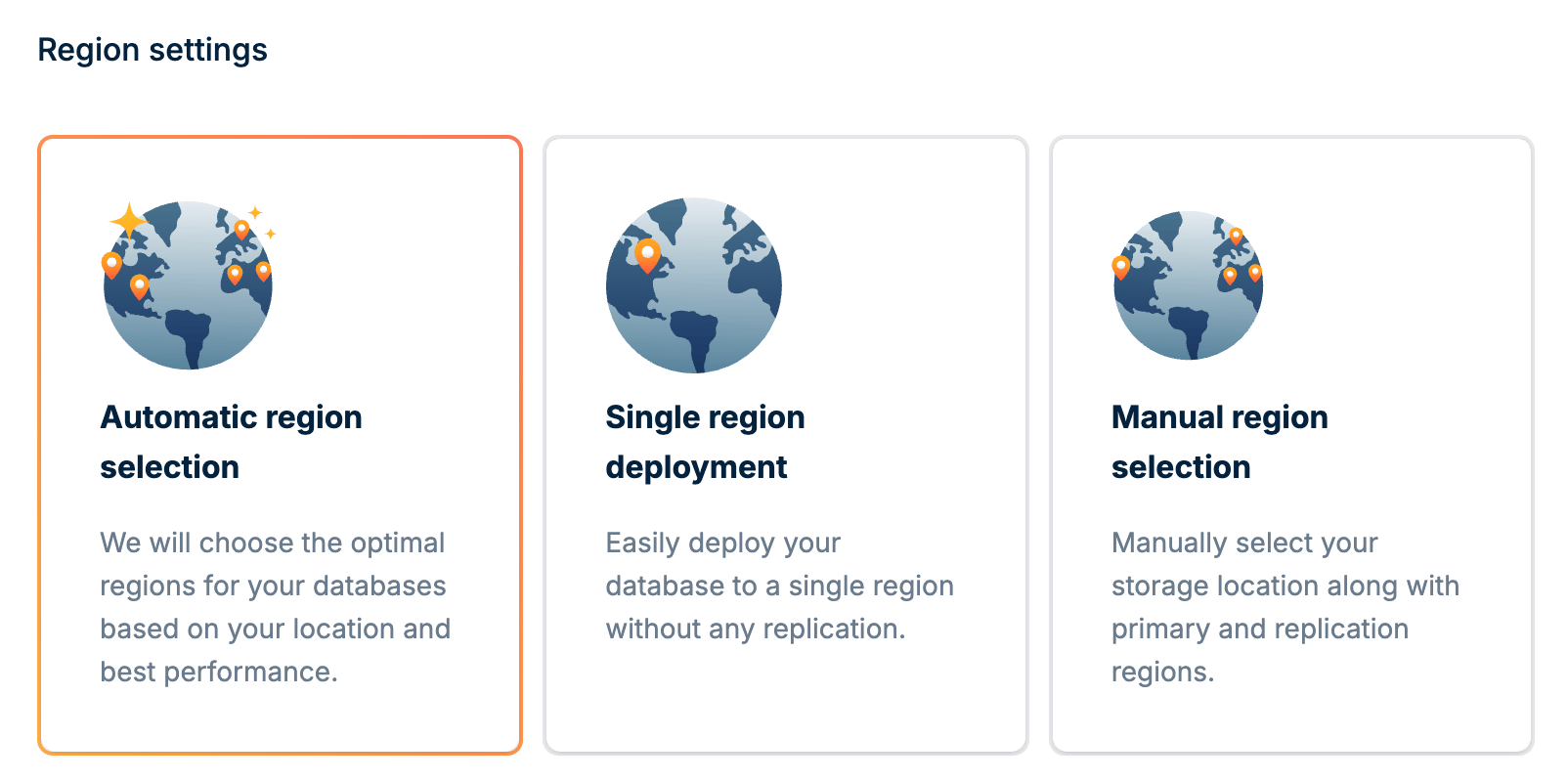
Choose how you want your database deployed:
- Automatic: We will choose the optimal regions for your database based on your location and best performance.
- Single region: Deploy your database to a single region without any replication. Best for development or applications with users in one geographic area.
- Manual: Manually select your storage location along with primary and replication regions. Best for applications with specific latency or compliance requirements.
-
Click Add Database to create your database.
-
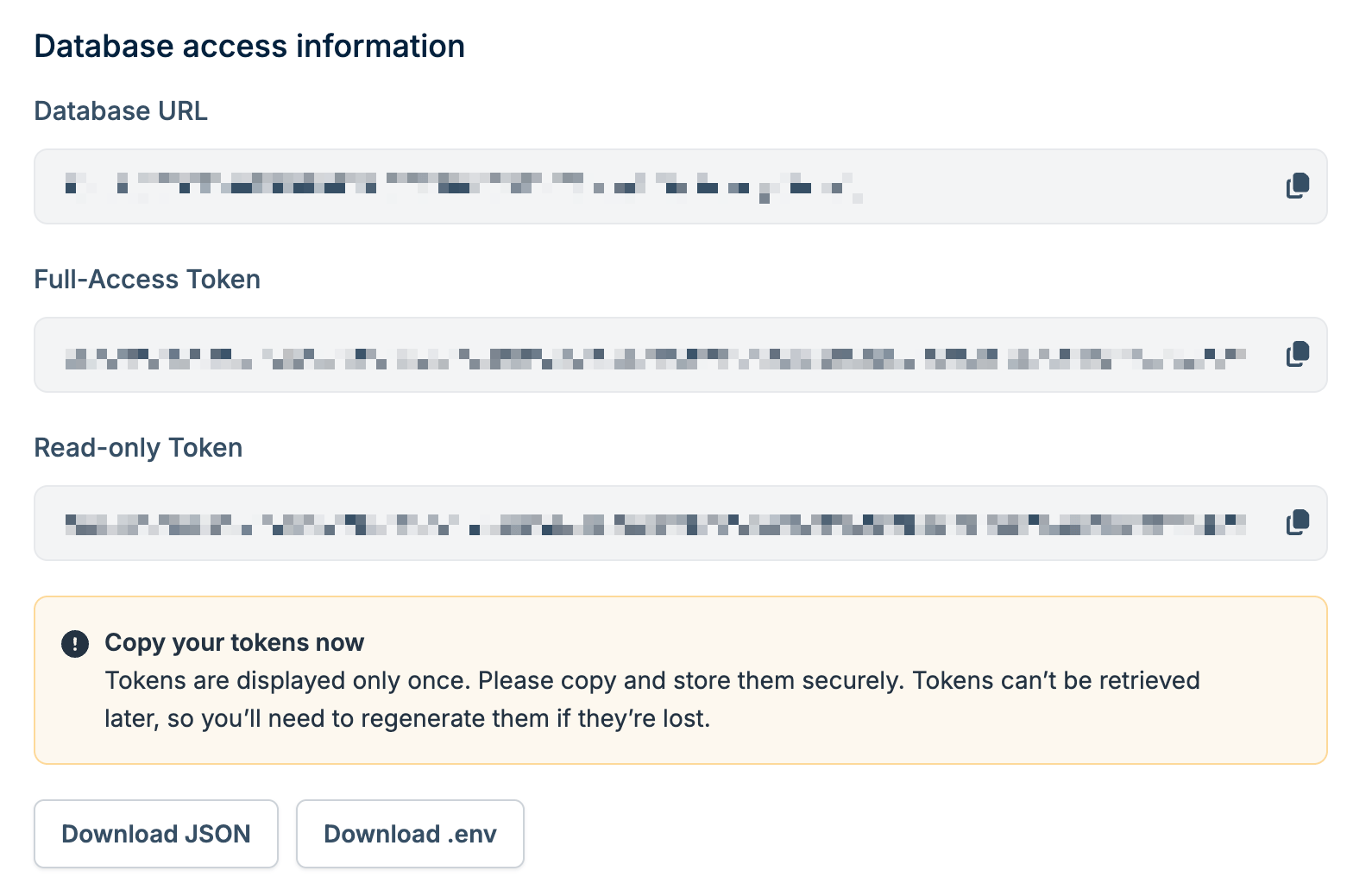
Once created, copy your connection credentials:
- Database URL: Your database endpoint
- Access Token: Choose between Full Access (read/write) or Read Only depending on your needs
-
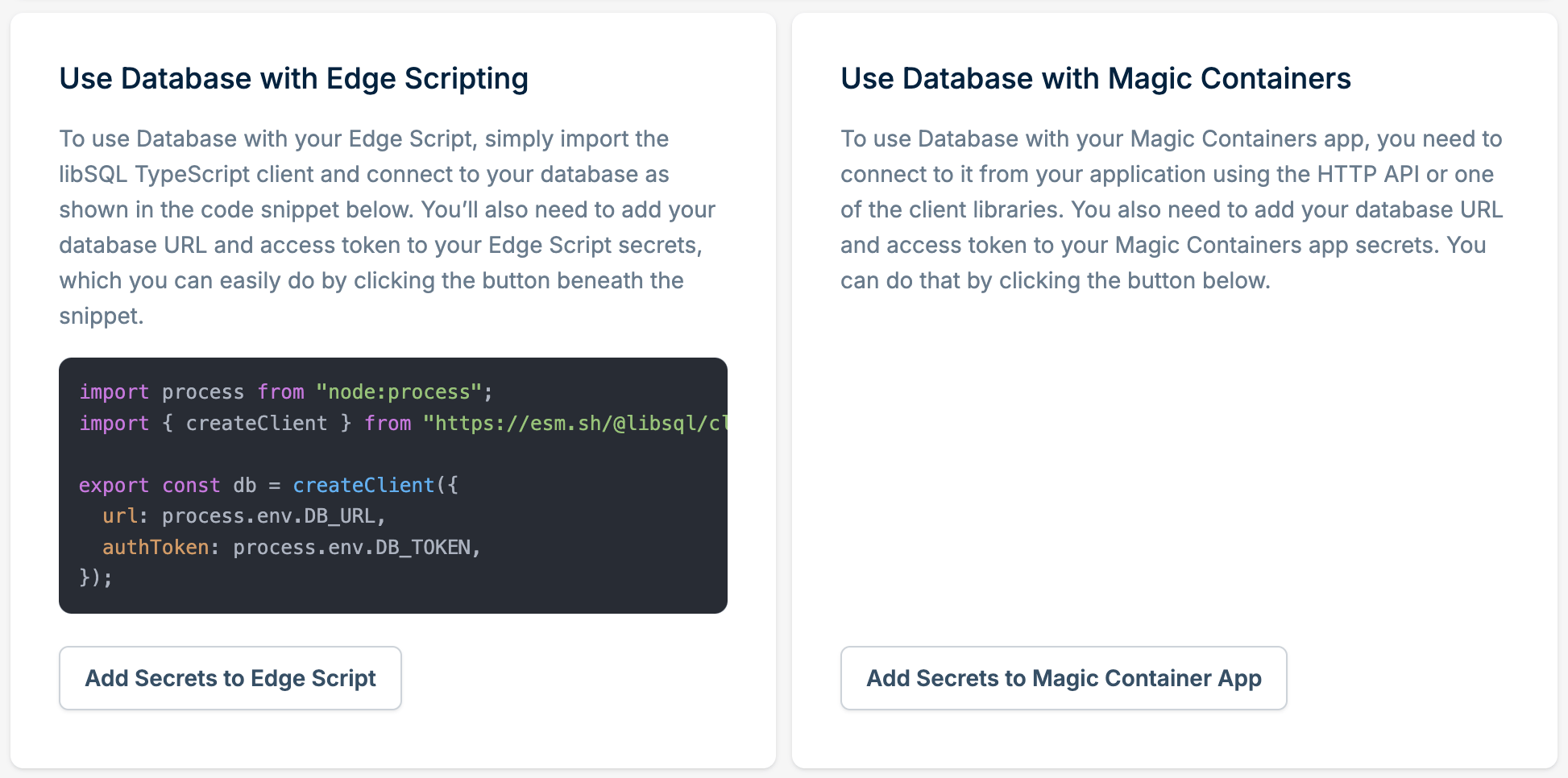
Optional: if you have an existing Edge Script or Magic Container, you can add your database credentials directly from this page:
- Click Add Secrets to Edge Script or Add Secrets to Magic Container Apps
- Select the script or app you want to connect
- The database URL and access token will be added as environment variables automatically
2
Install an SDK and connect
Install the official SDK for your language and connect to your database:
- TypeScript
- Rust
- Go
- .NET
Install the libSQL client:Connect and run queries: